Previous Year Papers
Practise questions by exam, year and shift where the previous-year source has been verified.
Keep the source context clear while reviewing solutions and recurring question patterns.
Mockiee features
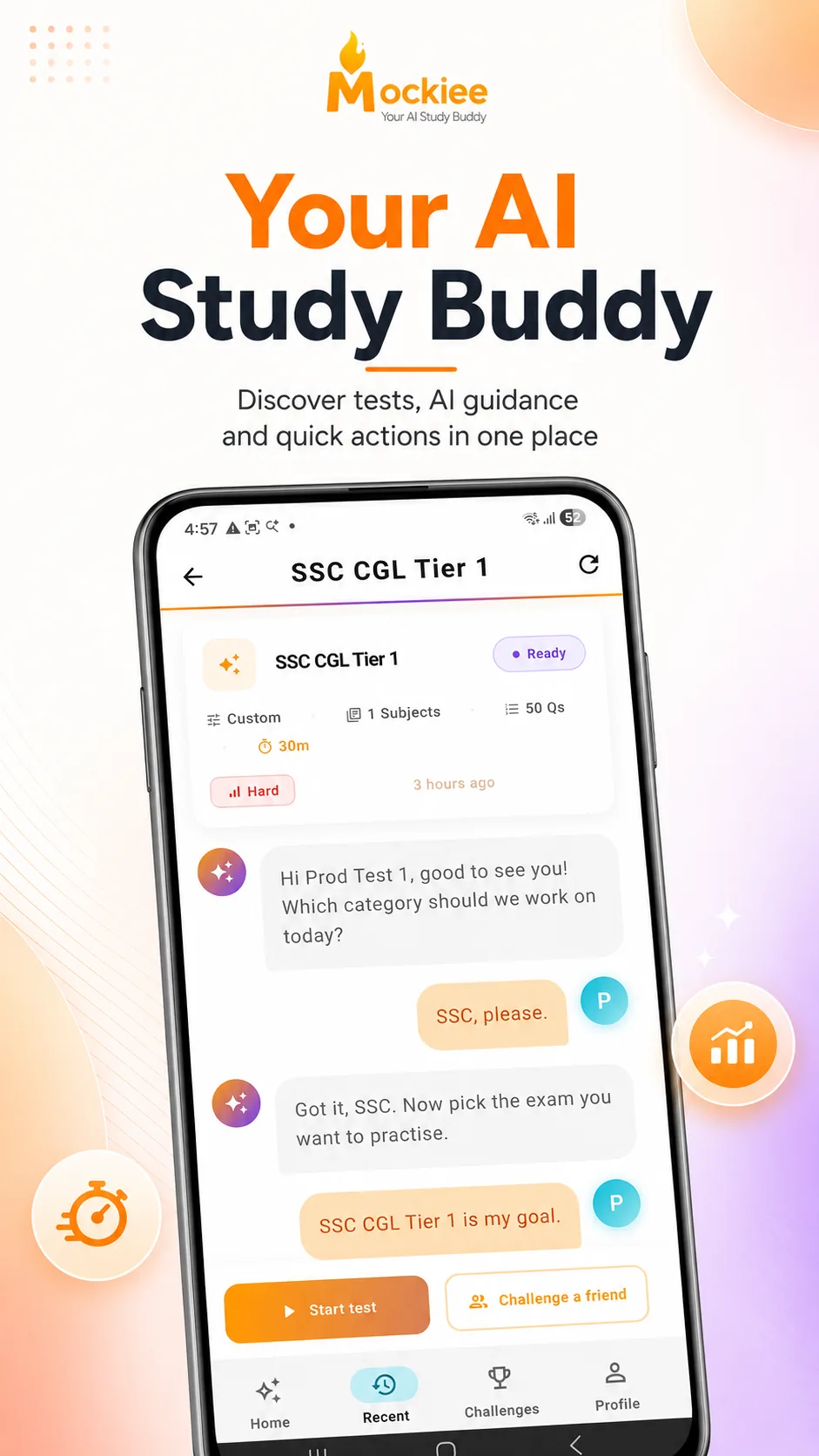
Mockiee combines Previous Year Papers, PYP Mix, Smart AI Practice, exam-wise choices, analysis, review and friend challenges.
Mockiee practice modes
PYP only
PYP Mix
Uses the previous-year question bank
Personalised
Smart AI Practice
Set the topic, difficulty and time
A focused practice flow
Practise questions by exam, year and shift where the previous-year source has been verified.
Keep the source context clear while reviewing solutions and recurring question patterns.
Build an exam-like mock through intelligent selection and distribution of questions from the PYP question bank only.
The engine changes the mix, not the previous-year source of the questions.
Generate personalised practice by exam, subject, topic, difficulty, question count, time limit and preparation goal.
Shape each attempt around the syllabus area and study session you want to focus on.
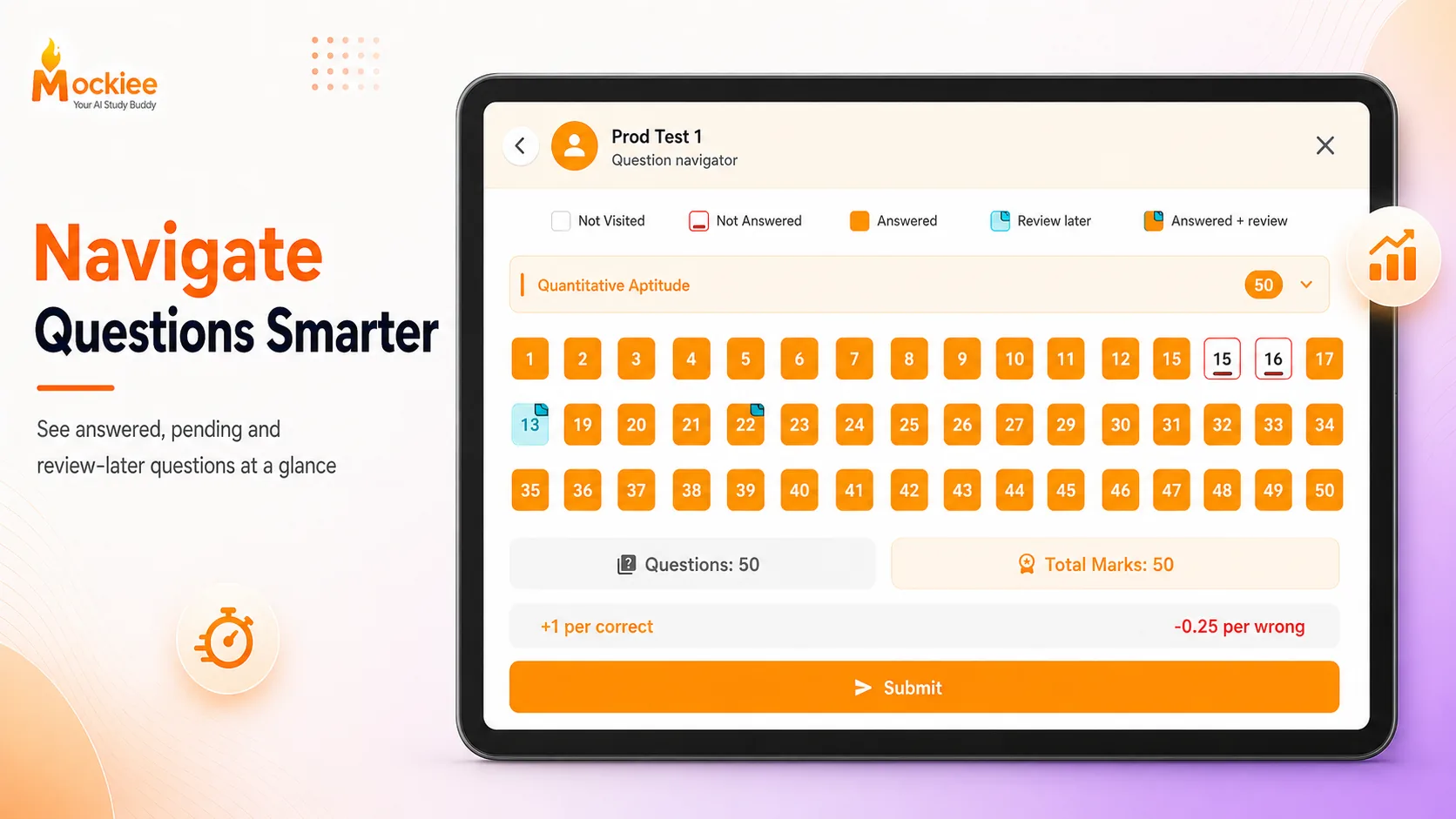
Use a timer, question palette, answered and unanswered states, review-later actions and a clear submit flow.
Attempt tests with a timer, question palette and review-later flow.
Review accuracy, time use, correct and incorrect answers, selected answers and subject-level insight.
See what you got right, where time slipped, and which mistakes need one more revision.
Students can revisit weak questions, report issues and use bookmark/recent flows for follow-up practice.
Save important questions and return to weak areas before your next mock.
Create invite-only challenge groups, share invite codes and compare ranked attempts with friends.
Make preparation more accountable by practising with friends.
Students can start from the web app or continue on Android for mobile-first practice.
Practise on the device that feels easiest for your study routine.
Ready to practise?
Use Mockiee Web for quick access or keep the Android app for focused phone sessions.